September 2, 2026
They were getting hundreds of comments a week and replying to about 40 of them. This case study covers what changed when Superpower stopped letting the rest go unanswered.
Dec 4, 2025
6 min
A step-by-step guide to disabling comments on Facebook and Instagram ads in 2025 — plus why hiding comments is often the smarter, performance-safe alternative.

Many advertisers on Meta platforms want more control over how their ads engage with audiences. Comments on ads can sometimes distract from the main message or lead to unwanted discussions. For those reasons, learning to disable comments can be a useful tool to protect the brand’s image and keep attention focused on the ad itself.

In 2025, Meta allows advertisers to turn off comments on Facebook and Instagram ads for many—but not all—ad types. The option appears directly inside Meta Ads Manager and gives businesses more control over how their content is received publicly. Some advertisers supplement this by hiding or moderating comments instead, especially when performance or engagement signals matter.
Knowing how to turn off comments is an important part of maintaining clean ad spaces and improving viewer experience. This guide explains the steps to disable comments on supported Meta ad formats, along with best practices for advertisers who want to limit unwanted interactions.
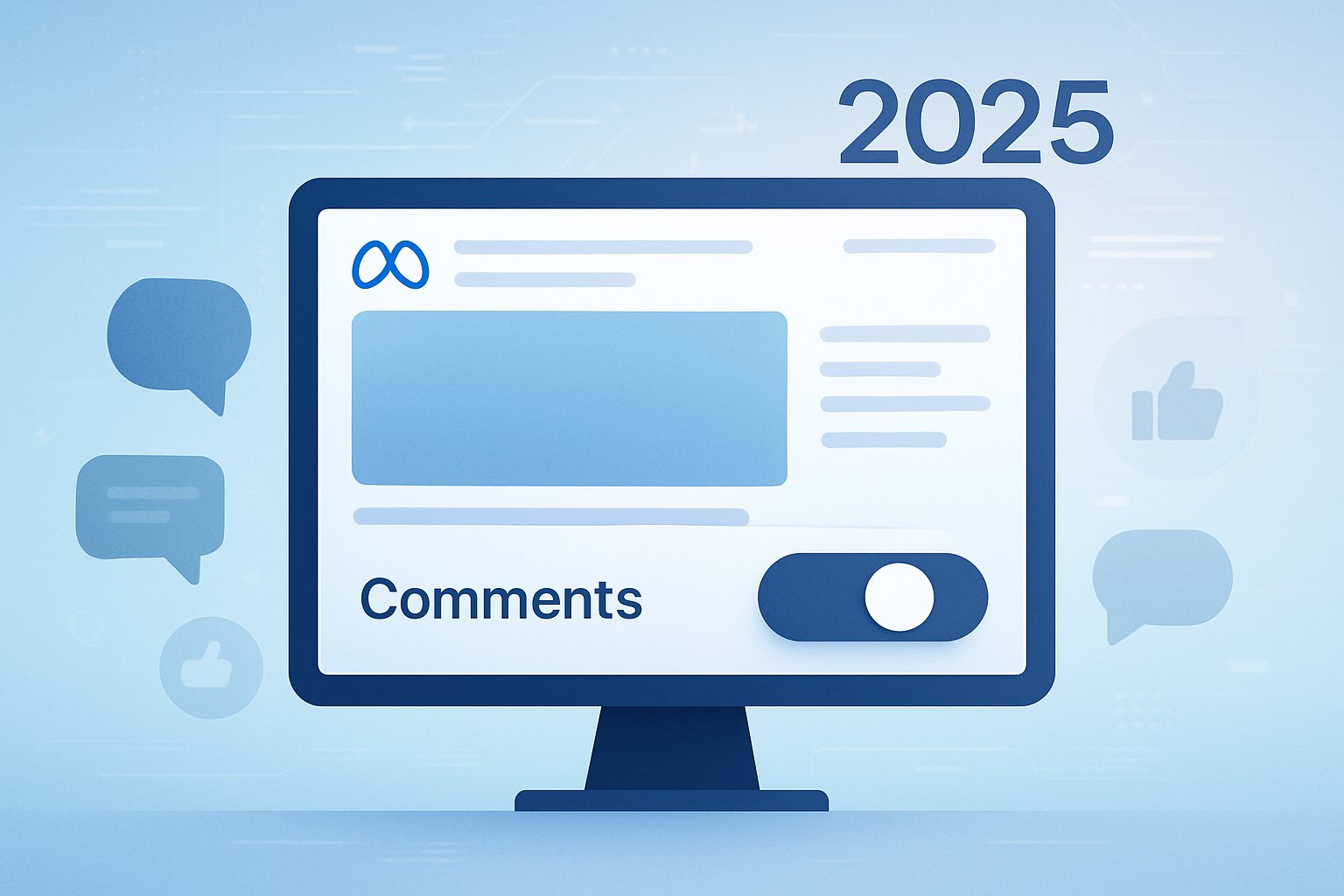
Turning off comments helps advertisers stay in control of their messaging. It reduces the risks linked to unwanted feedback, spam, or distractions that pull users away from the campaign goal. While comments can sometimes help engagement, not every ad needs public discussion.
Comments on ads can quickly shape how people view a brand. Negative feedback, misinformation, arguments between users, or unrelated discussions can hurt the perception of the business. Disabling comments prevents these issues from appearing publicly.
This is especially helpful during product launches, sensitive campaigns, or when customer sentiment is uncertain. Keeping comments off ensures that the message stays clear and consistent.
Spam bots, promotional replies, and low-quality comments appear frequently on Meta ads. These messages add clutter and can discourage real customers from engaging.
Turning off comments removes this distraction and helps keep the ad professional. It also saves the brand time that would otherwise be spent reviewing and filtering inappropriate comments.
Not all ads benefit from open conversation. Some campaigns are designed around conversions or awareness where comments do not add value. Disabling comments lets brands guide the experience more directly.
Advertisers who still want engagement can continue using reactions, messages, or other controlled channels.
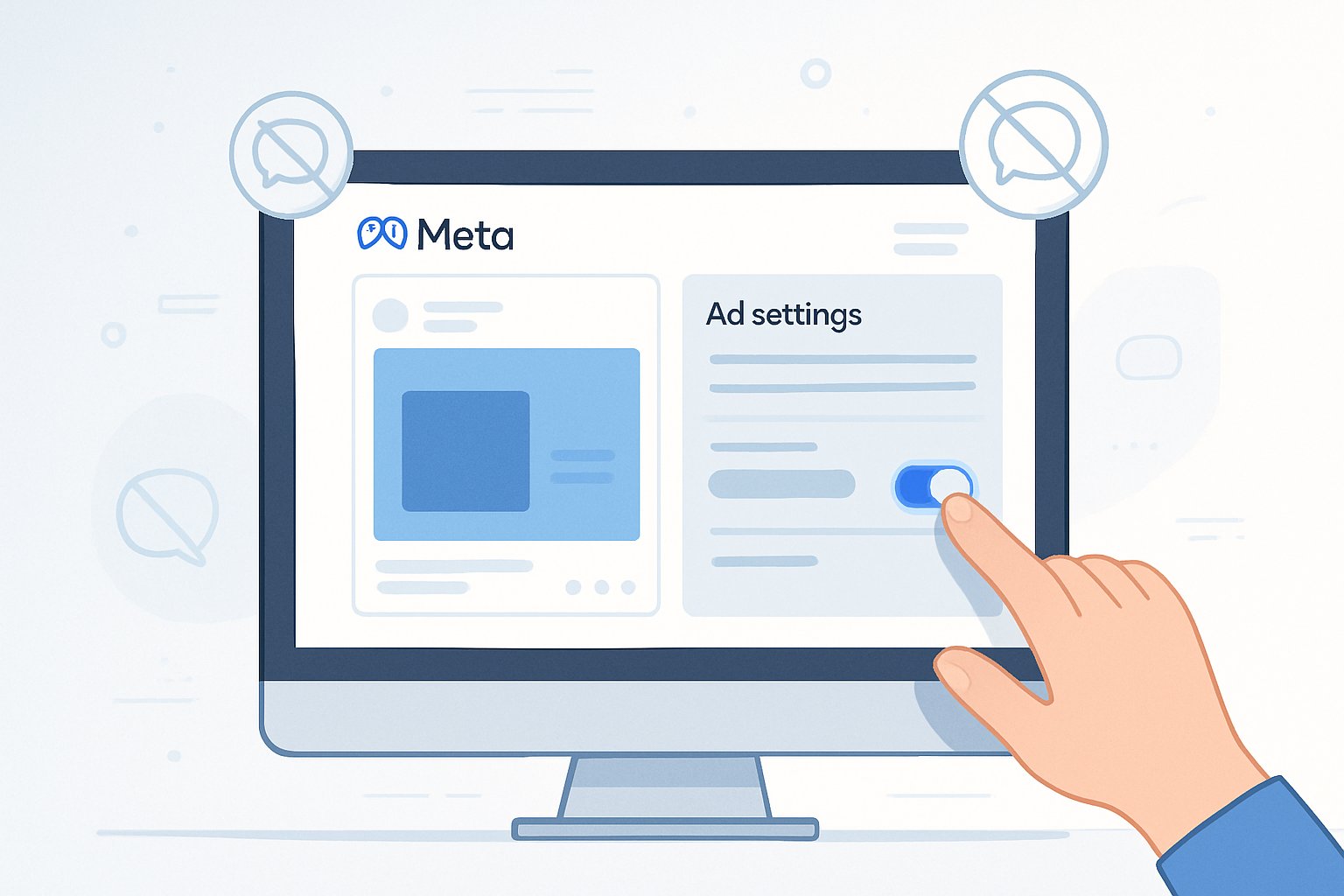
Disabling comments on Meta ads is simple, but the option only appears for certain ad objectives and placements. Where available, it can be toggled on or off directly in Ads Manager.
Log in to your Meta Business account, then open Meta Ads Manager. This is where all campaigns, ad sets, and ads are managed.
Navigate to the campaign containing the ad where comments need to be disabled.
Open the specific ad by clicking:
Campaign → Ad Set → Ad → Edit
Inside the editing panel, scroll to the Engagement or Comment Controls section (Meta labels change slightly across accounts).
When creating a new ad, the comment toggle often appears during setup.
Look for a setting such as:
Switching this on disables new comments from appearing once the ad goes live.
Note: Some advertisers may not see the toggle depending on account type, region, or ad objective.
For ads that are already live:
Changes take effect immediately. Existing comments may still appear unless manually removed or hidden.
Even though disabling comments is possible on many ad formats now, hiding comments remains a preferred option for performance advertisers — largely because:
Meta still counts hidden comments as engagement, which helps maintain ad strength and relevance.
Deleting reduces the engagement signal entirely.
Hidden comments disappear from public view but remain visible to the original poster, preventing friction.
Because of this, many advertisers turn off comments only when absolutely necessary, and rely on hiding or filtering for everything else.
Meta also provides tools that don’t fully disable comments but limit them:
Automatically hide comments containing specific words, phrases, or emojis.
Prevent offensive language from appearing publicly.
Limit who can comment (followers only, for example).
These tools allow advertisers to keep engagement open while moderating it effectively.
Some advertisers prefer guiding engagement instead of shutting it off entirely.
Methods include:
This keeps the ad authentic without exposing it to unnecessary risk.
Meta’s built-in filters make it easier to maintain a clean comment section:
These tools reduce manual effort, especially during high-volume campaigns.
Turning off comments reduces one type of engagement signal. While this won’t break performance, it may slightly limit organic amplification compared to ads that receive active engagement.
On the other hand, removing comments protects the brand from negativity that could hurt conversions.
Comments provide valuable feedback — objections, testimonial-like praise, and product questions. Disabling comments removes this source of insight.
However, in some campaigns, clarity and control are more important than gathering comments.
Advertisers running multiple campaigns often use tools to automatically hide or manage comments at scale. Platforms like Superpower help streamline this by hiding spam, filtering harmful comments, and surfacing real customer questions — all without interrupting ad performance.
It’s a helpful companion for brands that want tighter control while still keeping ads clean and effective.
In 2025, Meta offers advertisers the ability to turn off comments on many Facebook and Instagram ads, giving brands more control over how their content appears. However, hiding comments often remains the better option because it protects performance while maintaining a clean public-facing experience.
With the right combination of disabling, hiding, and filtering, advertisers can run campaigns confidently without worrying about spam or negativity pulling attention away from the message.
—
Managing Facebook ad comment volume at scale? Learn how top Shopify brands handle spam, negative comments, and purchase-intent questions automatically — or see how Superpower works →

Explore expert tips, industry trends, and actionable strategies to help you grow, and succeed. Stay informed with our latest updates.

September 2, 2026
They were getting hundreds of comments a week and replying to about 40 of them. This case study covers what changed when Superpower stopped letting the rest go unanswered.
.jpg)
August 5, 2026
Respondology starts at $30-40k/year. Here's how it compares to Superpower for brands that want the same managed comment moderation without the enterprise overhead.

Block toxic comments automatically, respond at scale, and keep your brand safe in real time.